
Bank account
Set a supported bank account as the rent destination.
M-Pesa rent collection in Kenya
Start from the tenant’s invoice, send an invoice-linked M-Pesa request, and return a confirmed payment to the correct rent record.
RentPayor does not hold landlord funds.
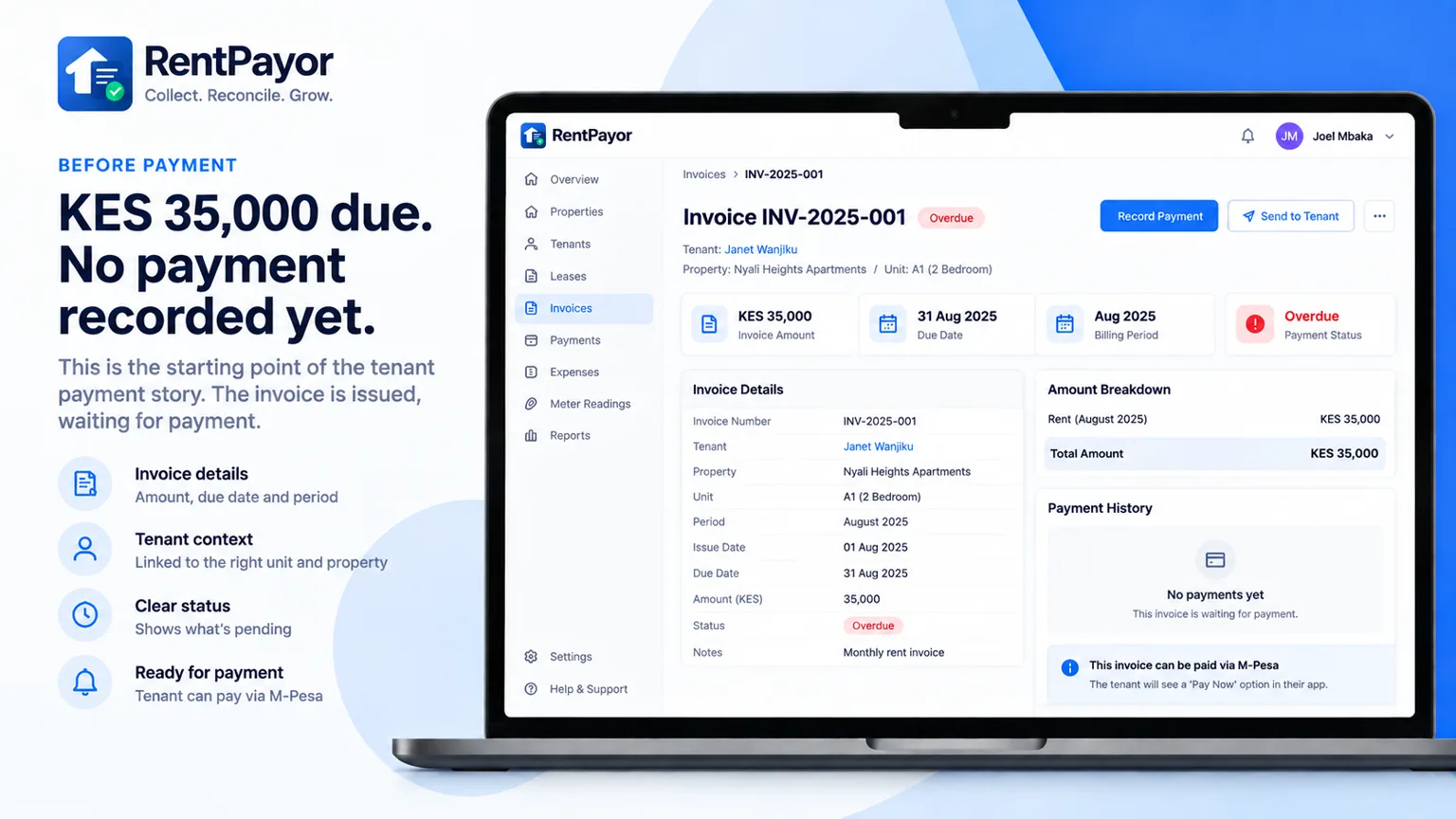
From invoice to confirmation
The tenant opens an unpaid invoice, reviews the amount, approves the M-Pesa prompt with their PIN, and receives a confirmed result that remains connected to the rent record.
Live KES 1 test payment — shown at its natural pace.
After confirmation
Once the provider confirms the payment, the tenant, invoice, amount, and payment reference remain visible to the landlord or property manager.
Follow the reconciliation trail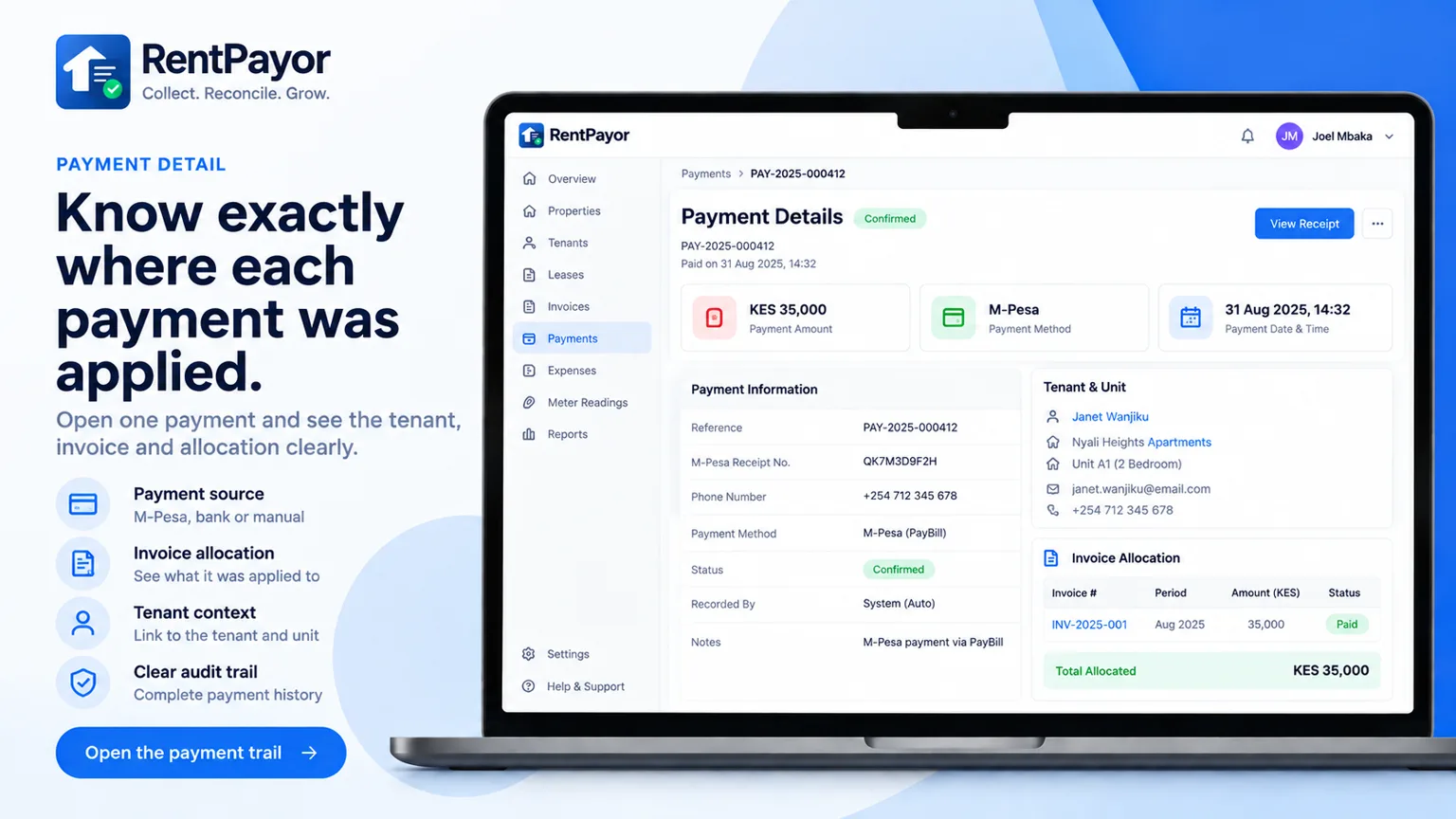
Rent destinations
Set a supported bank account as the rent destination.
Collect through a supported Paybill while keeping the invoice trail.
Use a supported Buy Goods Till for properties already collecting this way.
A complete rent record
Rent received another way can still be recorded against an invoice using the same balance and credit model.
See how reconciliation works